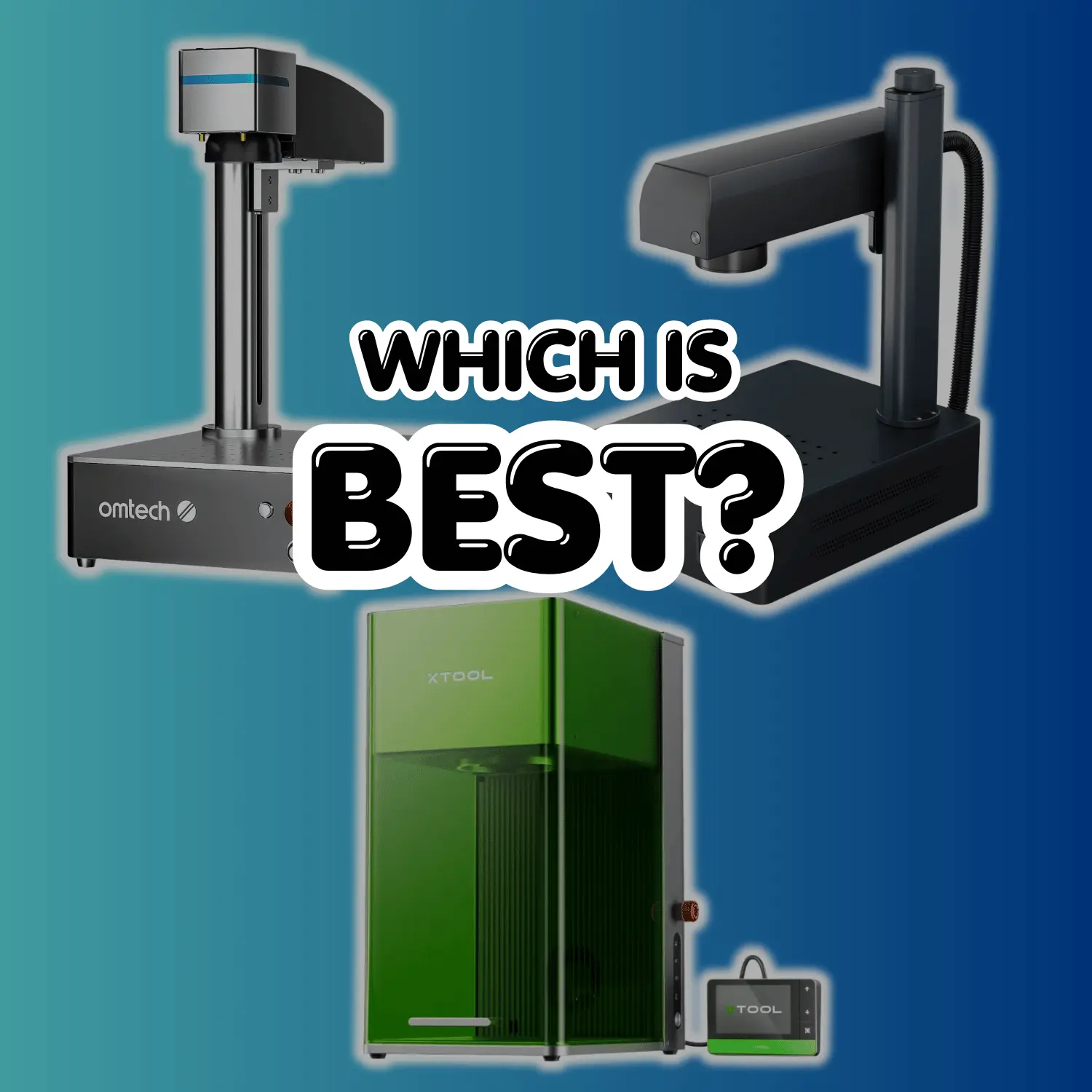

Best Laser Engravers for Metal, Wood & Acrylic: OMTech vs. xTool vs. Monport
Choosing the right laser depends on your primary materials, production speed, and software preferences. We evaluated OMTech, xTool, and Monport on build quality, laser source performance, and overall value so you can quickly find the right machine for your shop and budget.
Which Laser Type Do You Actually Need?
Match your main project materials to the right laser technology before buying.
- Ideal Materials: Bare metals (stainless steel, brass, aluminum, titanium), gun parts, EDC gear, coins, jewelry, and dark ABS plastics.
- Key Strengths: Blazing galvo speed (up to 7,000–10,000 mm/s), deep metal engraving, and zero consumable parts. MOPA units add full-color marking on titanium/stainless.
- Limitations: Cannot cut or engrave wood, leather, glass, or clear acrylic.
- Ideal Materials: Wood (plywood, hardwood, MDF), acrylics (all colors + clear), leather, glass, stone, rubber, and fabric.
- Key Strengths: High wattage allows thick material cutting (10mm+ in single passes) and rapid batch production on non-metals.
- Limitations: Cannot engrave raw, bare metals without specialized marking sprays (CerMark/OMTech laser ink). Larger machine footprint.
- Ideal Materials: Tumblers, leather patches, wooden gifts, coated metals, and light craft projects.
- Key Strengths: Compact, plug-and-play desktop designs. Dual-laser units (like the xTool F1 series) let you mark metals and craft woods in a single machine.
- Limitations: Slower cutting speed than CO2; limited depth on dense metals compared to dedicated 30W–50W fiber sources.
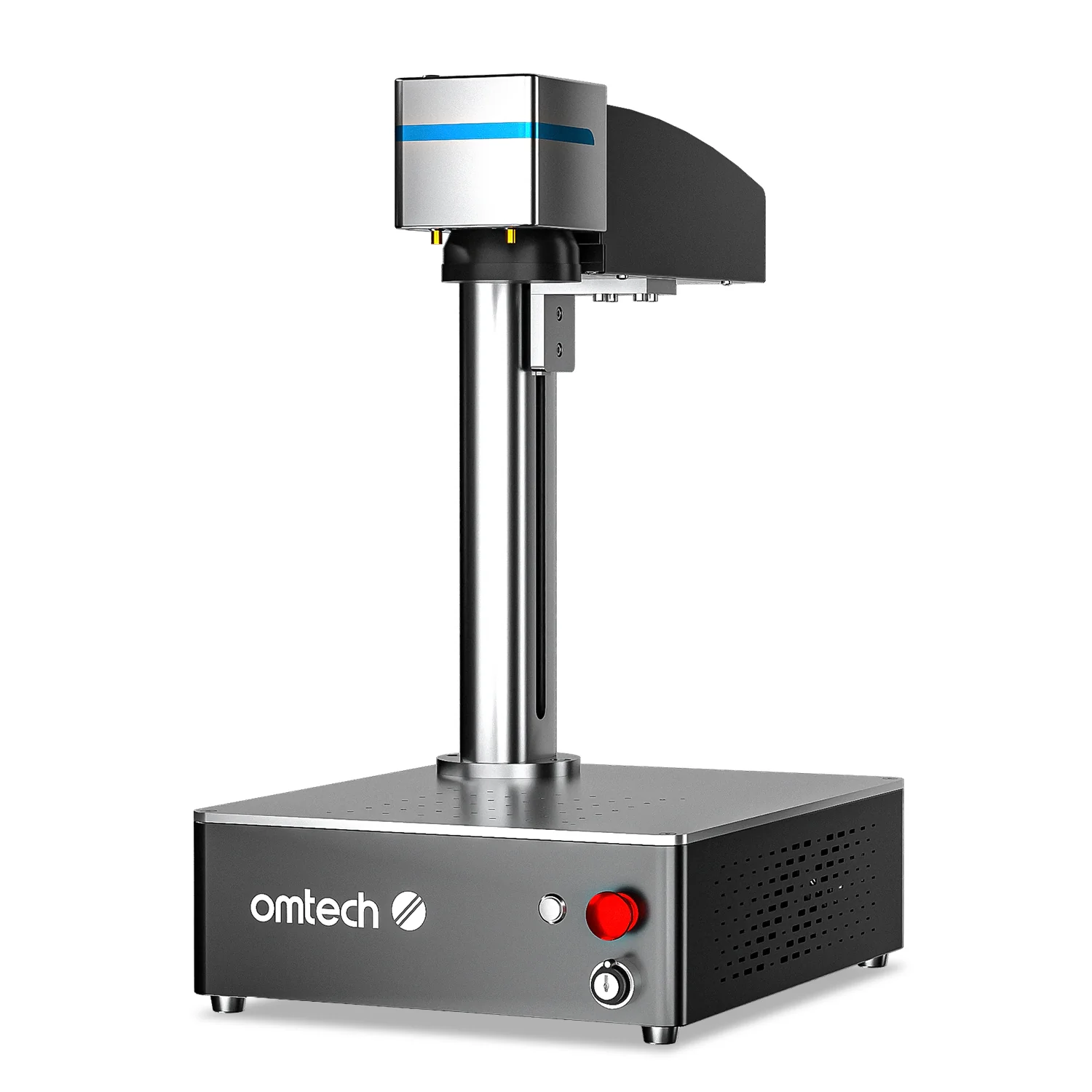
1. OMTech Fiber Lasers – The Ultimate Metal Marking Powerhouse
Save 5% OFF site-wide with promo code:
Whether you are launching a custom laser shop or upgrading your garage workshop, OMTech’s Fiber Laser lineup offers the best entry point into metal engraving. Powered by reliable Raycus or JPT MOPA sources, these galvo-driven units deliver incredible speed and crisp detail on custom tumblers, jewelry, coins, knives, and firearm parts without requiring high-end industrial power.
- MOPA Color Marking: JPT sources enable vivid colors on stainless steel and deep black annealing on aluminum.
- Native LightBurn Support: Plugs directly into LightBurn Galvo for easy rotary and vector setups.
- U.S. Parts & Support: Fast domestic shipping with readily available replacement lenses and rotary attachments.
- Open Frame Design: Requires safety glasses (OD6+) and dedicated exhaust filtration in shop spaces.
- Dedicated Wavelength: 1064nm fiber lasers engrave metals and hard plastics, but cannot cut wood or clear acrylic.
XTOOL LASER ENGRAVERS – THE PORTABLE & DUAL-SOURCE PLATFORM

Check the official xTool storefront for site-wide bundle sales and instant automatic checkout discounts.
For makers, craft business owners, and pop-up vendors who want an all-in-one desktop ecosystem, xTool (led by the flagship F1 Ultra and S1 line) leads the market in safety and ease of use. Featuring dual-laser setups combining 1064nm IR Fiber with 455nm Blue Diode technology, these machines engrave all metals while cutting wood, leather, and dark acrylics in a single fully enclosed unit.
- Dual Laser Versatility: Instantly switch between fiber (metals) and diode (wood/acrylic) without changing machines.
- Beginner-Friendly Ecosystem: xTool Creative Space (XCS) software makes camera positioning and auto-focus painless.
- Class 1 Laser Safety: Enclosed housing with smoke extraction and safety interlocks makes it safe for home offices and craft shows.
- Higher Entry Price: Premium build quality and camera integration come at a higher cost than open-frame setups.
- Working Area Limits: F1 galvo units excel at small-to-medium items (tumblers, jewelry, patches) rather than large sheet materials.
MONPORT LASER – LOW-COST ENTRY INTO FIBER & CO2 LASERS

Check the official Monport storefront below for live site-wide promotions, seasonal sales, and bundled accessory discounts.
If you want maximum laser power without paying top-tier brand premiums, Monport Laser offers one of the lowest cost-per-watt ratios in the industry. Spanning entry-level desktop K40 CO2 models up to 150W high-speed industrial cutters and MOPA fiber units, Monport makes production-capable hardware accessible for boot-strapped small shops and expanding side-hustles.
- Unbeatable Price to Power: Lower barrier to entry for 60W–100W CO2 glass tube setups and fiber galvo units.
- Built-in Upgrades: Modern lines include auto-focus, red dot guidance, and integrated water cooling options.
- Industry-Standard Control: Native compatibility with LightBurn (DSP/CO2) and EZCAD (Fiber).
- Hands-On Setup Required: Entry models may require manual mirror alignment and basic machine tuning out of the box.
- Stock Availability: Popular high-wattage CO2 models often sell out quickly during major promotional sales.
Frequently Asked Questions: Laser Engravers & Cutters
What is the main difference between Fiber, CO2, and Diode lasers? ▼
The primary difference comes down to laser wavelength and material absorption. Fiber lasers (1064nm) are specialized for deep direct engraving on bare metals and hard plastics. CO2 lasers (10,600nm) excel at high-speed cutting and engraving non-metallic organics like wood, clear acrylic, leather, and glass. Diode lasers (455nm) are affordable, compact options ideal for wood, dark acrylics, and basic craft marking.
Can a diode laser cut clear acrylic or engrave bare metal? ▼
No, standard 455nm blue diode lasers cannot cut clear acrylic or directly engrave reflective bare metals. Clear acrylic allows blue diode light to pass straight through without absorbing heat. To engrave bare metal with a diode, you must use a specialized thermal marking spray or opt for a dual-laser unit (like the xTool F1 Ultra) that includes a dedicated 1064nm infrared fiber module.
Is LightBurn software compatible with all three brands? ▼
Yes, LightBurn supports OMTech, Monport, and xTool machines. However, license requirements differ depending on your hardware: gantry-style CO2 and diode machines require the standard DSP or Core license, while galvo fiber engravers require the LightBurn Galvo license to control galvo head mirrors.
Which laser type is best for starting a custom gift or tumbler business? ▼
For personalized tumblers, metal business cards, and jewelry, a 20W–50W Fiber Galvo laser (like OMTech or Monport) offers unmatched speed and durability. If your business focuses on wooden signs, leather goods, and acrylic displays alongside powder-coated tumblers, a CO2 desktop unit or dual-source setup (like xTool) provides the highest overall versatility.

Leave a Reply